
Manuale Trust 16937 Flex Design Tavoletta grafica

Hai bisogno di un manuale per il tuo Trust 16937 Flex Design Tavoletta grafica? Di seguito è possibile visualizzare e scaricare gratuitamente il manuale in PDF in italiano. Questo prodotto attualmente ha 0 domande frequenti, 0 commenti e ha 0 voti. Se questo non è il manuale che desideri, contattaci.

Il tuo prodotto è difettoso e il manuale non fornisce alcuna soluzione? Rivolgiti a un Repair Café per il servizio di riparazione gratuita.

Manuale

Loading…
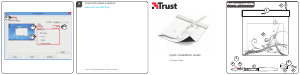
Flex Design Tablet – User’s Manual
3
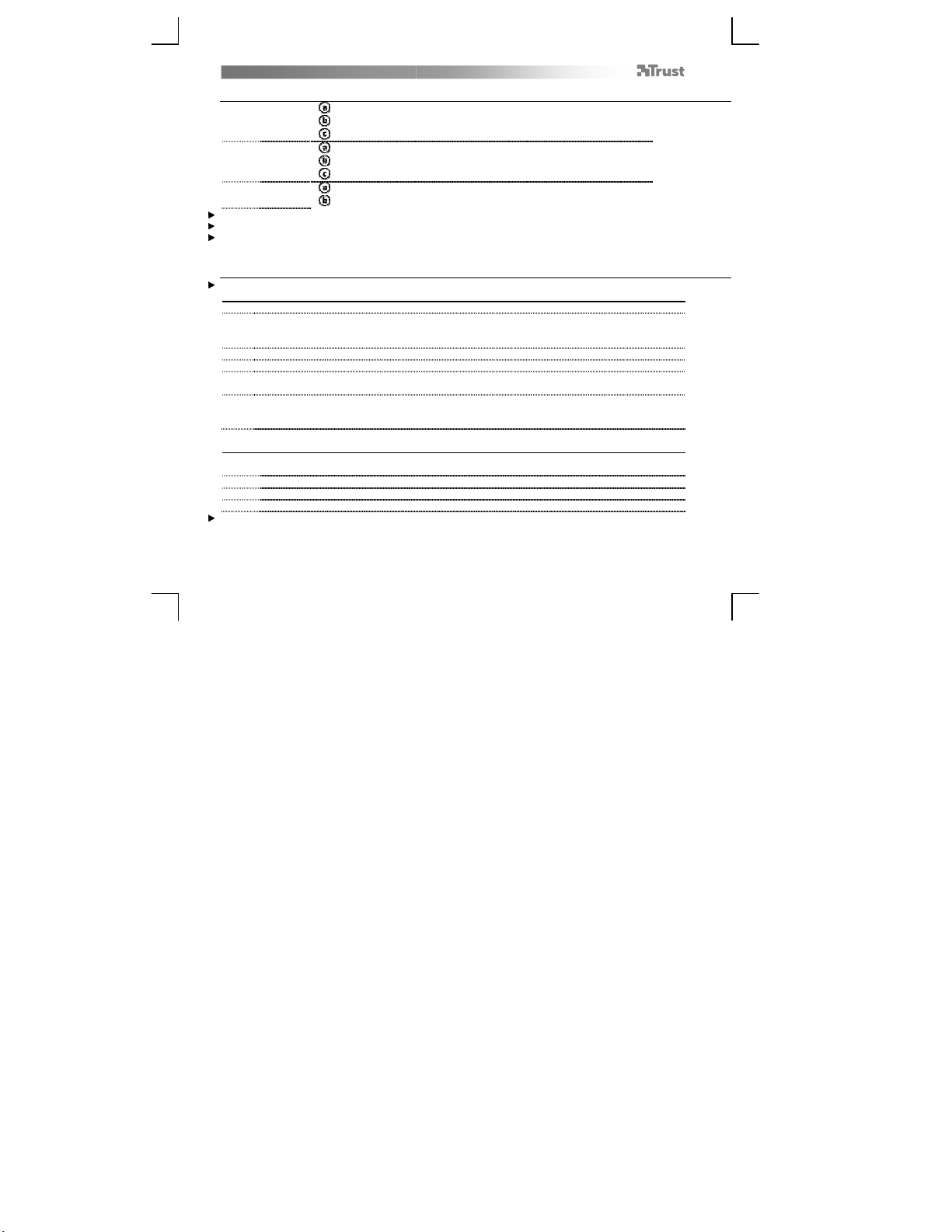
Package contents (Package contents)
1
Tablet:
USB Cable
Working area
Hot cells (programmable)
2 Pen:
Lower pen button
Upper pen button
Battery holder
3
Pen-tip removal tool
2x Spare pen-tips
Screw the pen open and place the battery in the pen
Cleaning: Clean the tablet with a dry cloth. Do not use or spill water on the tablet, or its pen.
Storage: Store the pen so that it does not rest on its tip, preferably in its holder. Do not store the pen on the tablet.
Install tablet (Install tablet)
It might be necessary to restart your computer at the end of the driver’s installation. It is therefore preferable that you
save and close all opened documents and applications before starting the installation.
4 Insert the Trust CD-ROM into your CD drive.
5
Windows 8: click the “Tab to choose” message window in the right top corner of the screen
Click “Run Setup.exe – Published by Trust International BV”
Click “Install driver”
Trust Tablet driver installation: To continue, Click “OK”
Trust Tablet driver was successfully installed: Click “OK”
Click “OK” to restart your computer. (If you have unsaved
documents and files, select “Cancel” to restart your computer later)
6
Once your computer has restarted, the tablet can be connected to a USB port.
After the driver has been successfully installed (this may take some time), and the message “USB input
device ready to use” appears, the tablet can be used.
Draw (Draw)
Open a drawing program (For example, Artweaver is available on the Trust CD-ROM: select “Install
ArtWeaver” from the menu to install it.)
7 Create a new document (File > New)
8 Set the attributes of your new document, press OK
9 Select a tool that supports Pen Pressure Sensitivity (Ex: in Artweaver: default brush)
With the pen’s pressure levels, you can use your brush the way you would use a real pencil and draw the thickness and
opacity you desire.
Scarica il manuale in italiano (PDF, 3.44 MB)
(Rispetta l’ambiente e stampa questo manuale solo se è veramente necessario)

Loading…

Valutazione

Facci sapere che cosa pensi della Trust 16937 Flex Design Tavoletta grafica valutando il prodotto. Vuoi condividere la tua esperienze con questo prodotto o porre una domanda? Ti preghiamo di lasciare un commento al fondo della pagina.
Sei soddisfatto di Trust 16937 Flex Design Tavoletta grafica?
No
Valuta per primo questo prodotto
0 voti

Partecipa alla conversazione su questo prodotto

Qui puoi condividere cosa pensi di Trust 16937 Flex Design Tavoletta grafica. Se hai una domanda, leggi prima attentamente il manuale. La richiesta di un manuale può essere effettuata utilizzando il nostro modulo di contatto.

Maggiori informazioni su questo manuale

Comprendiamo che sia bello avere un manuale cartaceo per i tuoi Trust 16937 Flex Design Tavoletta grafica. Puoi sempre scaricare il manuale dal nostro sito web e stamparlo tu stesso. Se desideri avere un manuale originale, ti consigliamo di contattare Trust. Potrebbero essere in grado di fornire un manuale originale. Stai cercando il manuale del tuo Trust 16937 Flex Design Tavoletta grafica in un'altra lingua? Scegli la tua lingua preferita sulla nostra home page e cerca il numero del modello per vedere se è disponibile.

Specifiche

Marca Trust
Modello 16937 Flex Design
Categoria Tavolette grafiche
Tipo di file PDF
Dimensione del file 3.44 MB

Tutti i manuali per Trust Tavolette grafiche
Altri manuali di Tavolette grafiche
Manuale Trust 16937 Flex Design Tavoletta grafica
×
Download