
Manuale Trust 16529 Tavoletta grafica

Hai bisogno di un manuale per il tuo Trust 16529 Tavoletta grafica? Di seguito è possibile visualizzare e scaricare gratuitamente il manuale in PDF in italiano. Questo prodotto attualmente ha 0 domande frequenti, 0 commenti e ha 0 voti. Se questo non è il manuale che desideri, contattaci.

Il tuo prodotto è difettoso e il manuale non fornisce alcuna soluzione? Rivolgiti a un Repair Café per il servizio di riparazione gratuita.

Manuale

Loading…
Slimline Widescreen Tablet – User’s Manual
4
The pen can detect 2048 levels of pressure, and use the variation in levels to automatically change the size, the color, or
various settings of the tool you are currently using.
This allows for flexibility and gives a very intuitive feeling to your graphic work.
10
Move the pen in the tablet’s working area: the cursor will follow the movements. Hovering the pen tip
at about 5 mm from the surface will allow you to move the cursor on your screen. When you touch the
tablet’s surface, your brush will start drawing on the new document.
11
T
he color panel allows you to select different colors.
By default in most drawing programs, the color your brush is applying is black. Depending on the pressure you exert with
the pen on the tablet’s surface, your brush will paint in nuances going from white (no pressure) to black (full pressure).
Write (Write)
12
Windows 8: click the keyboard icon in the system tray.
Open the Input Panel (tap the docked input panel ( ), on the side of the screen, or tap the text input
floating bar ( ).
Y
our handwriting will be converted into text ( ). You can correct, erase or modify the proposed
conversion.
T
hen click or tap Insert to have the text you handwrote entered into the active document / text input
field.
Handwriting recognition is a feature of Windows Vista and Windows 7/8 that converts what you write into text you can
then format like any other text. The Handwriting Input Panel appears automatically when you start using the tablet. If it
does not show, or only appears as a virtual keyboard, please consult trust.com/18469/FAQ.
In Windows XP or Mac OS, a third-party software is required, to convert your handwriting into text.
13
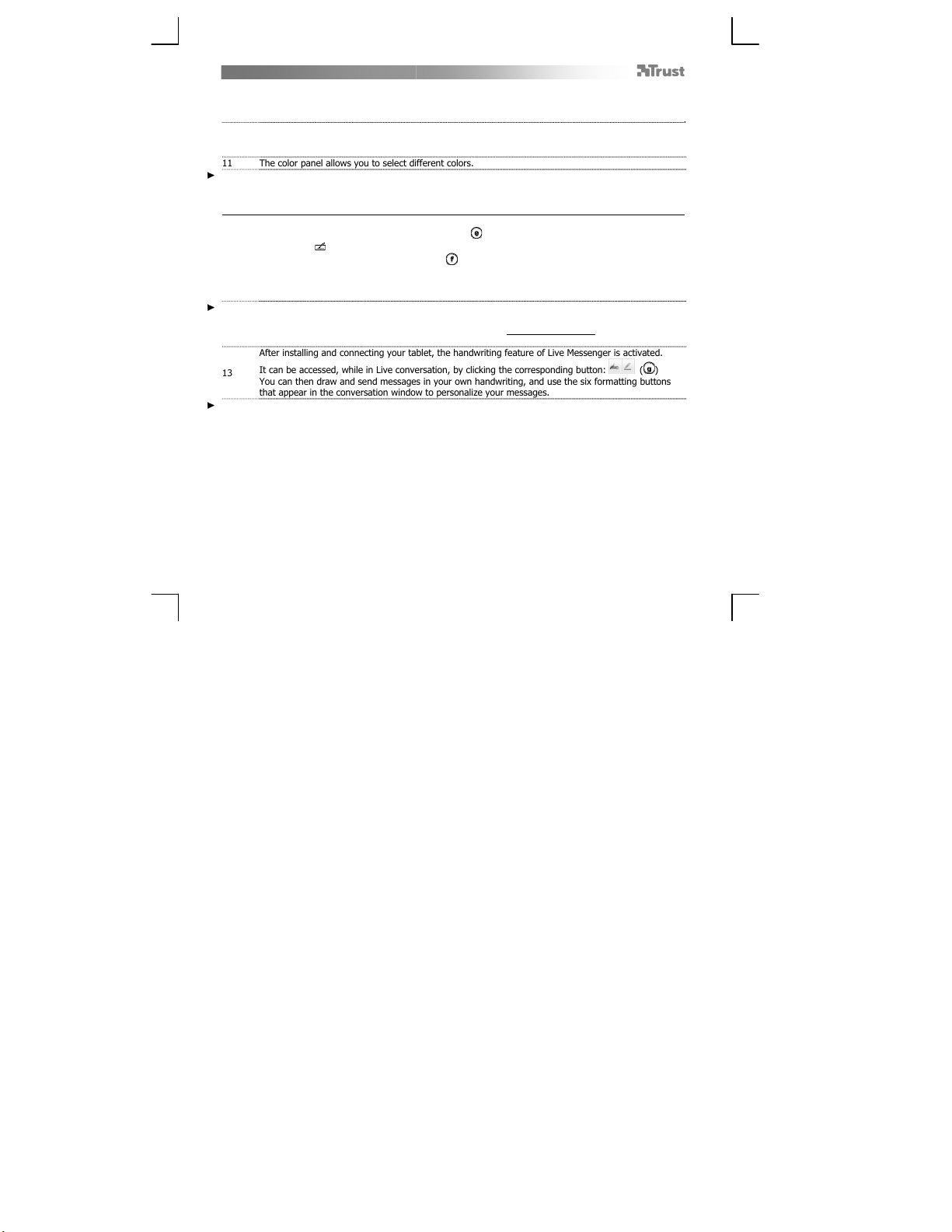
After installing and connecting your tablet, the handwriting feature of Live Messenger is activated.
It can be accessed, while in Live conversation, by clicking the corresponding button: ( )
Y
ou can then draw and send messages in your own handwriting, and use the six formatting buttons
that appear in the conversation window to personalize your messages.
To send handwritten messages you must have Windows 7/8, Windows Vista, or Windows XP with Service Pack 3 or later
installed. The latest version of Live Messenger is also required.
Scarica il manuale in italiano (PDF, 2.88 MB)
(Rispetta l’ambiente e stampa questo manuale solo se è veramente necessario)

Loading…

Valutazione

Facci sapere che cosa pensi della Trust 16529 Tavoletta grafica valutando il prodotto. Vuoi condividere la tua esperienze con questo prodotto o porre una domanda? Ti preghiamo di lasciare un commento al fondo della pagina.
Sei soddisfatto di Trust 16529 Tavoletta grafica?
No
Valuta per primo questo prodotto
0 voti

Partecipa alla conversazione su questo prodotto

Qui puoi condividere cosa pensi di Trust 16529 Tavoletta grafica. Se hai una domanda, leggi prima attentamente il manuale. La richiesta di un manuale può essere effettuata utilizzando il nostro modulo di contatto.

Maggiori informazioni su questo manuale

Comprendiamo che sia bello avere un manuale cartaceo per i tuoi Trust 16529 Tavoletta grafica. Puoi sempre scaricare il manuale dal nostro sito web e stamparlo tu stesso. Se desideri avere un manuale originale, ti consigliamo di contattare Trust. Potrebbero essere in grado di fornire un manuale originale. Stai cercando il manuale del tuo Trust 16529 Tavoletta grafica in un'altra lingua? Scegli la tua lingua preferita sulla nostra home page e cerca il numero del modello per vedere se è disponibile.

Specifiche

Marca Trust
Modello 16529
Categoria Tavolette grafiche
Tipo di file PDF
Dimensione del file 2.88 MB

Tutti i manuali per Trust Tavolette grafiche
Altri manuali di Tavolette grafiche
Manuale Trust 16529 Tavoletta grafica
×
Download